
Hello everyone and welcome back to what’s new with Lingonaut! It’s been a long time, lets get started.
The biggest feature update ever!
We’ve been hard at work on the latest update, and like they say, perfection takes time. I can’t say our new update is perfect but we have so so much to show off! Lets get started.
The headline feature – Word Hints!
You know in the other app, when you’re doing a lesson and you come across a word that you aren’t familiar with, you can simply tap it and it pops up with a translation? Well, Lingonaut can do it now too.
The new engine, courtesy of Creatonaut 4, now allows the vocabulary files in the new CN4 format to do double duty as translation strings to provide hints during lessons! If there’s a word you don’t know, and its translation is present in the course files, you’ll be able to see it.
It took a lot of effort to implement in a way that it doesn’t require volunteers to do even more work and we’re really pleased how it turned out.
It’s available in the latest version of Lingonaut, give it a go!
More polish, more characters, more animations!
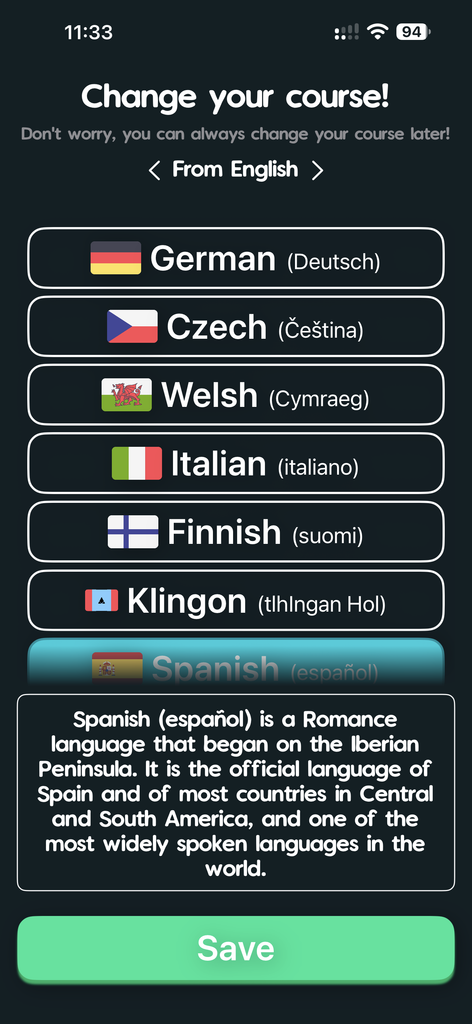
Lingonaut has always seemed a bit startup-y, more functional than good looking and lets face it, quite janky. A significant amount of work has gone into the rework of the app and lots of it has been rewritten, along with new artists creating more assets.
- For starters, Lingonaut is much much faster across the board, measuring multiple second faster doing all sorts of things, like logging in, launching lessons, opening the guidebook. It’s also lightning quick when checking hints!
- Lingonaut is much less buggy, you’ll find that you won’t struggle with logging in or registering, or your device won’t say ‘unsupported’. Accents now show correctly across the board, and in various fonts like our flagship font, these are just a few examples of the work we put in.
- It looks beautiful now! We’ve remastered so many of the graphics, added animations to ones which were static before and added new transitional animations. It’s going to feel slick and fun and we think you’re going to love it!
(Almost) Completely degoogled.
We’ve finally made more progress on the degoogled phone front! For the third time now (sorry!) we can announce that Graphene OS and e/OS/ as well as other phones with hardware attestation.
That’s the key, hardware attestation , if your phone has a secure enclave, or samsung knox or google titan chip, it is likely supported. Having hardware attestation helps us make sure Lingonaut isn’t being run on an emulator where someone can open it up and make us break our ‘no cheating allowed’ promise!
So apologies in advance if you have a degoogled phone which doesn’t meet this requirements, I know some people are running LineageOS for example and are waiting for support but unfortunately we can’t offer that right now.
Welcome to the new Crewmembers!
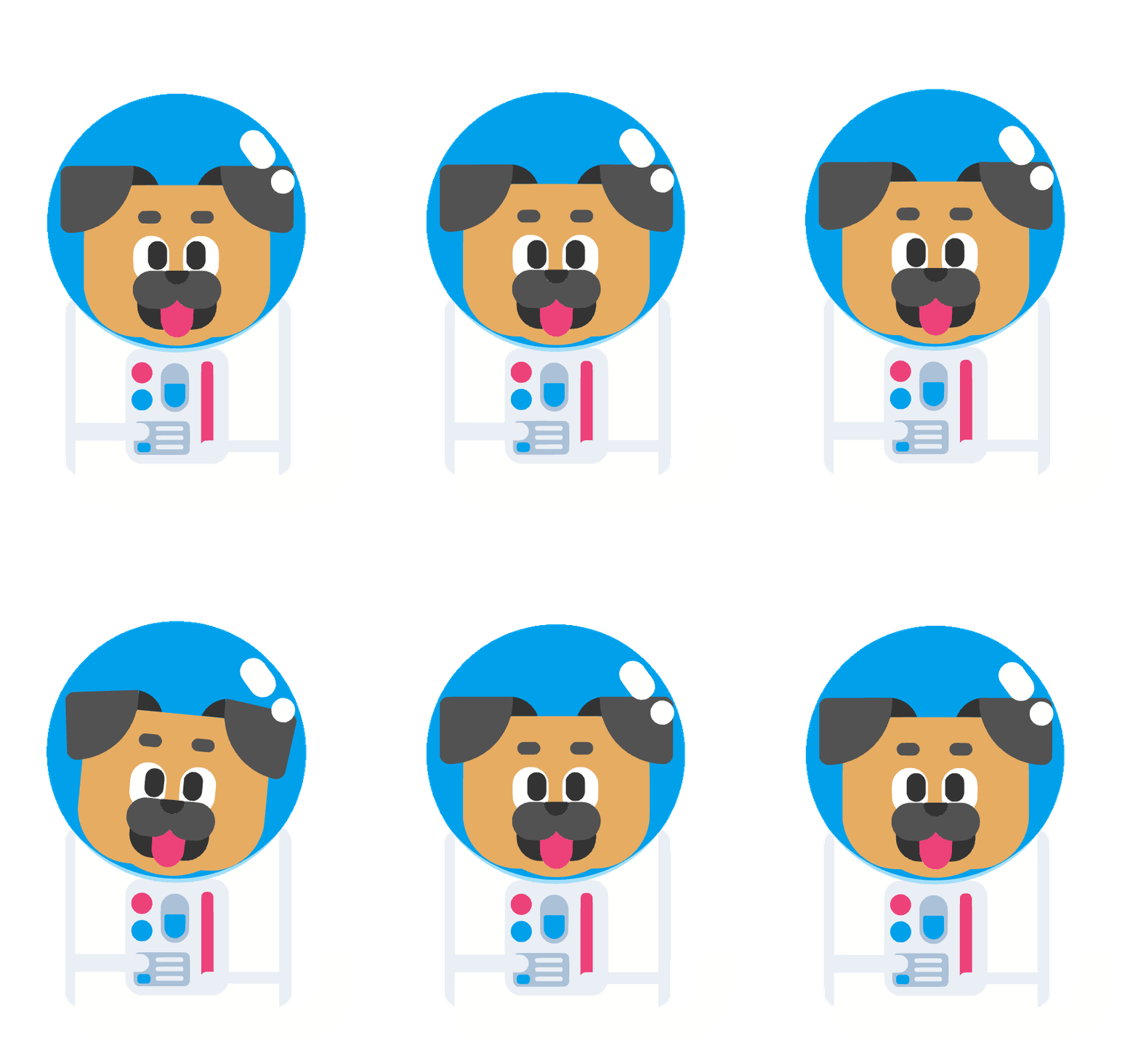
We’d like to introduce you to Goose as well as the new animations of our existing crew!
Crew Catalog: Goose
Description: Goose is a well-behaved and responsible bird who takes good care of Goose’s friends. Goose communicates in honks and body language.




We have worked so hard on these and I’m glad to show them off to you. Remember, you can always meet the crew at https://lingonaut.app/meet-the-crew !



Know what you’re learning and why you’re learning it!
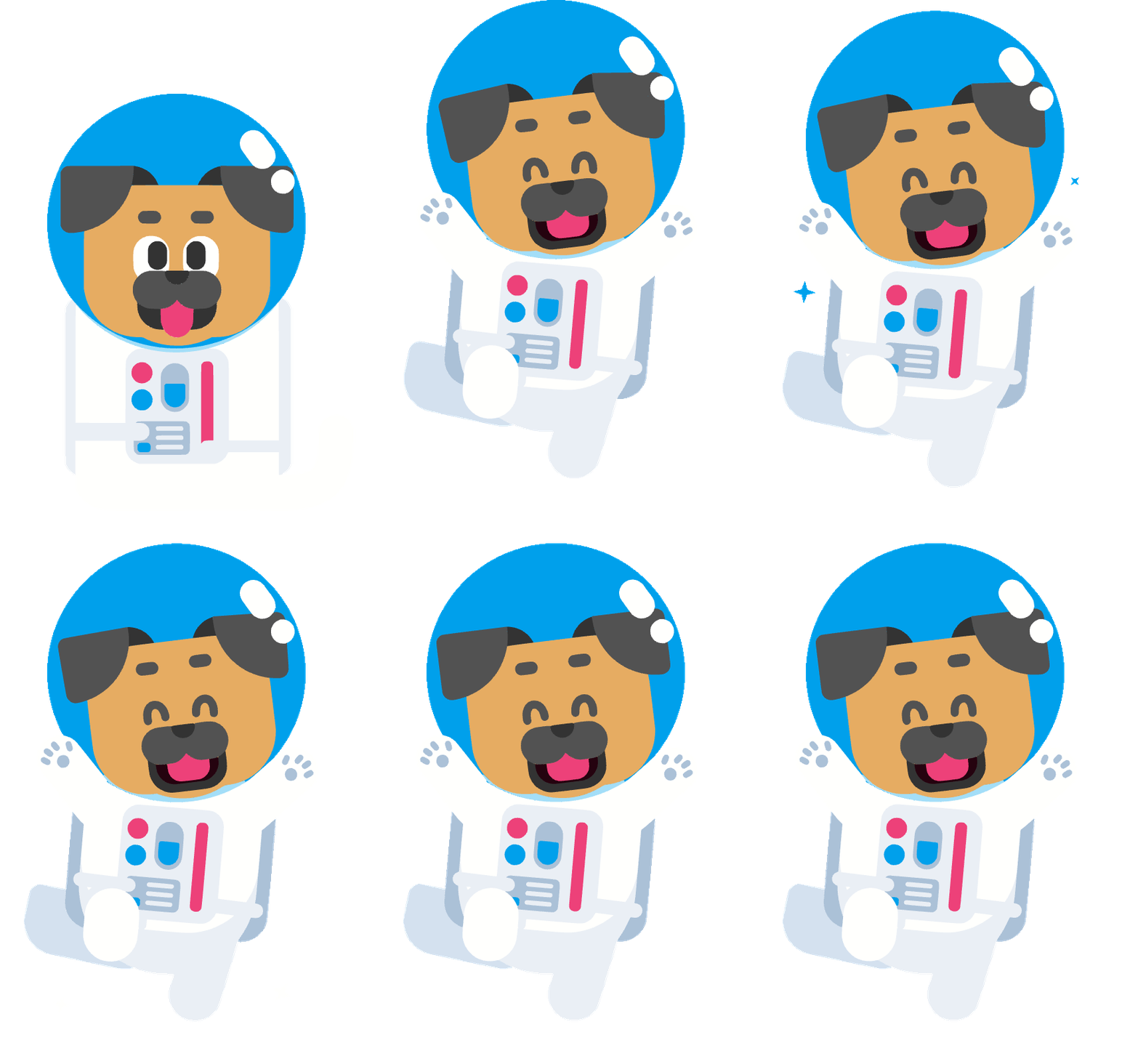
When you’re selected a language, either when signing up, or choosing a language to learn or just changing which one you’re learning right now, you’ll see a new box! The Infobox as it’s known in the code.
Now if you’re perusing the app deciding what you want to learn, you can get a quick rundown of the various languages, who speaks them and where. That way you can decide what you want to learn next!
The full changelog is below:
Lingonaut Build 250/Build 80 Changelog
- Fixed ‘translate this sentence’ texts from wrapping over.
- Orphaned files are now deleted after downloading a course, saving over 1.3GB at times.
- Malformed streak content no longer breaks lesson finished flow.
- First lesson now gets counted towards xp and streak.
- Language select now shows an Info-box helping you to decide which language you want to learn.
- Accents now shoe correctly across the board, and in various fonts like our flagship font.
- The newsroom read more buttons now work again
- FINALLY autocorrect is disabled when typing out your email, along with capitalisation
- New Speck animation in the OnBoardingStages!
- Numerous new animations throughout the app
- No more overlapping text lines when using Vanilla Extract
- Remastered the starry night background so it doesn’t look so amateur.
- Made title sizes more consistent throughout.
- Failed downloads no longer represent themselves as courses.
- No fighting autocorrect when choosing a username now
- Icons in stage 6 are animated when selected
- Icons in stage 5 are animated wheen selected
- Add your profile picture page now follows theming
- Loading screen isn’t loaded 24/7
- Loading screen shows new tips, hints and texts.
- Stage 2 is now animated
- Animations on the RegisterLogin screen!
- Cut tap-to-action latency on register and login screens. It won’t feel sluggish anymore.
- Password manager integration now functions.
- Verifying device attestation is now based per account not per device, so it should never fail.
- Revamped the animations for Spaceman Jim and Bolts to fit better.
- The diamond surrounding skills will now fill according to how many lessons have been done.
- Word hints added as the major feature! Tap a word you’re not familiar with to see the translation.
- Captain Tyson joins the team! He will now be seen when answering questions.
- Luna Cat joins the team! She will now be seen when answering questions.
- Dozens more optimisations and hundreds of more fixes in the back!
Creatonaut 4 is out and it looks and works beautifully!
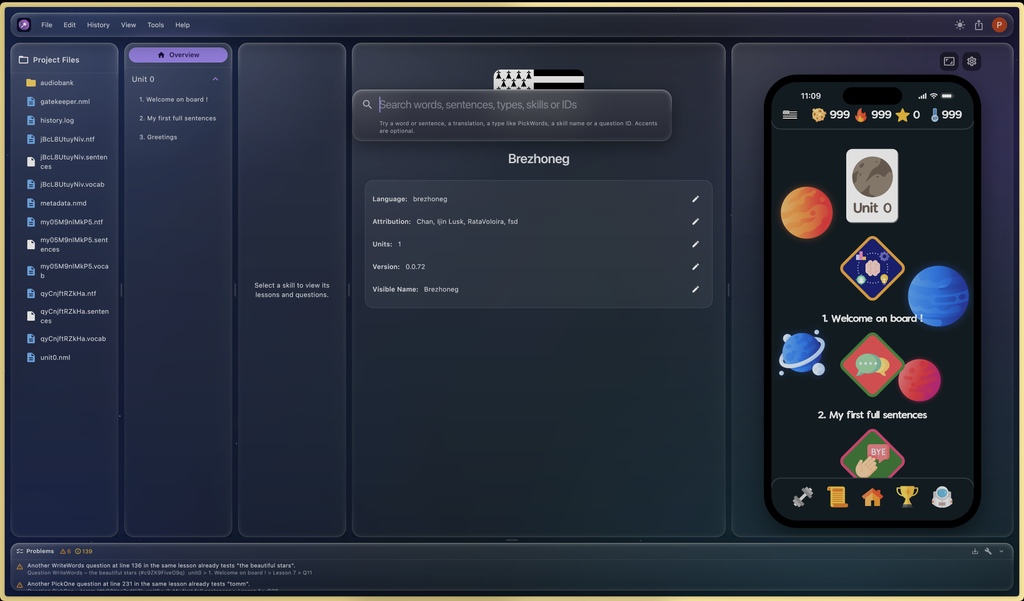
You might have noticed the patch notes in the discord changelog channel, or maybe you’re a course creator who has been helping us get Creatonaut up to scratch to make your jobs easier!
Either way, Creatonaut has had a massive facelift and overhaul, which is why we are designating these new version of Creatonaut as Creatonaut 4! (or CN4)
Along with a new liquid glass design that’s designed to feel right at home on Mac, iPad and iPhone (our ‘home’ operating system), it comes with a plethora of new, widely and long-requested features, as well as literally hundreds of bugfixes.
What’s more the work has continued and as of this post, Creatonaut 4.1 is already out! A combination changelog is posted below:
Creatonaut 4 Changelog
- PickOneAudio option audio now links up correctly
- Rocket now picks questions more fairly
- Search tool can search by skill, question type, question ID, sentence, translations and words
- Can now copy question ID by right clicking
- Fixed underscore issue when attempting repair
- Removed the creatonaut 4 text and textfield from the top so its less cramped
- Pinned new project and open project to the top of the panel, better on smalelr screens
- The preview simulator is now virtually identical to the iOS app with the same rules
- The tts will no longer pause when the sentence includes underscores
- Fixed a discrepancy in the wiki
- Tools › Normalize Volume evens out the loudness of all voice clips.
- Search: Ctrl/Cmd+F opens a search of the whole project, and Help › About Search explains how to use it.
- Audio bank: each audio field has a “Find Matching File in Audio Bank” button that attaches the file named after its text in one click.
- Added quisquisquis’s script to the tools menu.
- Save button is now always visible
- CN4 Guides now support multicolor and highlighting!
- Added a new ‘Basic’ PickWords question subtype that tests word order only with no distractors to the rocket
- You can now save and load rocket presets from your Lingonaut account!
- TTS is deleted automatically if you change something in the textfield, and an option is provided in settings to auto-generate upon each change (will use up your quota faster, though).
- Dozens of other QOL and Bug fixes
- Able to now rename audios in Audio bank
- Simulator tab is now scrollable on smaller screens and can be resized independently
- CN4 will stop selecting a random correct answer radio button when a multiple choice question is updated
- Audio won’t randomly replace other audio anymore!
- CN4 can now infer direction of translation when generating TTS
- Audio detection when creating questions is more accurate, PickMissingWords, PickWords
- Lesson corruption substantially reduced when failing an automatic repair
- New compact mode to fit more on smaller devices
- Freezing/Hanging when opening a project is all but eliminated
- Unlocking/Relocking a question is now instantaneous
- When writing a guide, keyboard shortcuts for formatting have been added (CMD+B, CMD+I, CMD+U etc)
- TTS Generation now ignores words in brackets
- Creatonaut 4 now uses the .cn4 engine (please wait until Lingonaut updates to support the new format before you submit your course!)
- A fresh new more intuitive look.
Languages now get updates daily
You might notice our course updates channels have been quiet. Is this because updates have slowed down? By and large, absolutely not. We have a new Launchpad lead – the illustrious RataVoloira, and he’s been hard at work getting course updates in on an almost daily schedule!
That means when you’re doing a course, you can rest assured it’s the latest and greatest with all the content and the fixes.
Funding concerns and Sponsorships.
Sadly, as costs keep rising, funding has been dropping. We have failed to secure the number of grants that we’d have liked, and patreon income has been steadily dropping.
With this in mind, we’re putting a few things like the Web app on ice for now. That doesn’t mean they’ll never come out! But they’ll be waiting until we’re in a better position to attempt them, if we ever find ourselves in such a place.
The fact is, the reduction in funds has made the project smaller, and a bit quieter as you have quite likely noticed, but we plan on turning things around as quickly as possible.
We promised no ads in Lingonaut, and we’re sticking to that, even if it sinks the project because that’s one of our founding pillars and without it we’d just turn into another bog standard language learning app.
That means that to find funds we have to get a bit creative and find other ways of getting money! So, we’re opening up sponsorships for our discord server and website!
Sponsor our discord or website!
Much like how the Godot engine is a free game engine supported by sponsors, Lingonaut is trying to augment its Patreon by offering the same.
If you have a project or think your company might be interested in getting some extra exposure, you can create a ticket on our discord or email us at business@lingonaut.app
We’ll be able to show a brief description of your project or company as well as an image of your logo on our website to help spread the word and get more eyes on what you’re doing. Like Godot, but you get to give some more detail so people know about your project too!
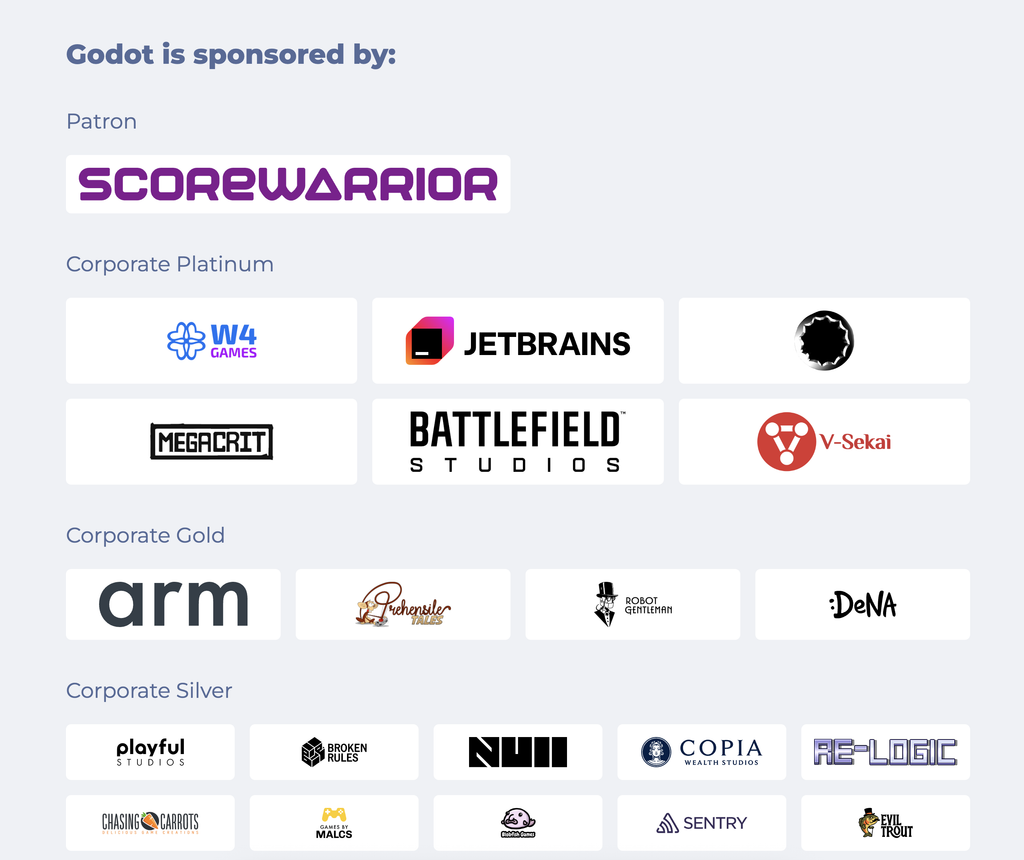
Similarly, you can get a shoutout of your company on our discord server too, under the new #sponsors channel! We have almost 12,000 members and it’s growing every day.
This way, we can get some much needed funding, and you can get more eyes from a very passionate and driven community on your project!
We retain the final decision as to who to accept though, and won’t accept anything we deem harmful to our community or our ethos.
The Spread-The-Wordonauts!
Lingonaut lives and dies by word of mouth. We don’t have a referral system (yet), but we will have one soon! You’ll be able to earn bonus skills and early access and extra lingonite!
But it’s not ready right now. We implore you to help keep the project alive by spreading the word. Your friends, family, fellow discorders or redditors on other servers. Tell anyone who would listen! The more people who know about Lingonaut and use it the better chance we have to survive.
We’ve also created a new channel on our discord #Spread-The-Word, as well as new bluesky posts and tweets.
Every time we get mentioned on reddit or discord or another website, we’ll post it there!
We would really appreciate it if you could take a look and if you like it and agree (important to not break brigading or vote manipulation rules!) , you can maybe comment and give it an upvote so more people see it.
It’s not something you have to do, but it would help a lot and we would appreciate it so much!
What’s next in store for Lingonaut?
We’re firmly back in the saddle, and speeding up! Expect many more updates, much much faster, to coincide with the change in management.
The next update will be the arrival of the much awaited Practice Hub! It’s been long requested and we finally have the means to actually attempt it.
A leaner, yet kinder Lingonaut is on its way, and we can’t wait to show you it! And with that, we bid you farewell and look forward to seeing you in next month’s What’s new with Lingonaut!